Taskbar how-tos
A classic taskbar on Windows 11
Windows 11 launched in 2021 with a taskbar that dropped many old features. Some have since come back as Windows settings; others never did. This page sorts out which is which, as of October 2026, so you only install something if you need to.
On this page 3 sections
Short answer
Can I get the classic taskbar on Windows 11?
Partly with Windows' own settings: Windows 11 can now show labels on every button (“Never combine”), seconds in the clock and, since a 2026 update that is still rolling out, a taskbar on the top or side. For the classic look itself, several rows, Quick Launch and text buttons in the Windows 95 to Vista style, install RetroBar, which is free.
What Windows 11 can do, and what needs RetroBar
| Classic feature | Windows 11 itself | RetroBar | Guide |
|---|---|---|---|
| Taskbar on the top, left or right | Yes, rolling out since August 2026 | Yes | Move the taskbar |
| One button per window, with titles | Yes (“Never combine”, since 2023) | Yes, always | Never combine |
| Seconds in the clock | Yes (since 2023) | Yes | Clock with seconds |
| Taskbar on every monitor | Yes | Yes | All monitors |
| Two or more rows | No | Yes | Multiple rows |
| Quick Launch | No (no toolbars) | Yes | Quick Launch |
| Left-aligned Start button and text buttons | Left alignment only | Yes | Themes |
| Windows 95, 98, 2000, XP or Vista look | No | Yes, 19 themes | XP taskbar |
| Classic Start menu | No | No (use Open-Shell) | Start menu |
Windows facts are from Microsoft's release notes and help pages, linked on each guide. Our Windows 11 25H2 test machine had Windows' new Taskbar position setting (what we saw).
What RetroBar adds
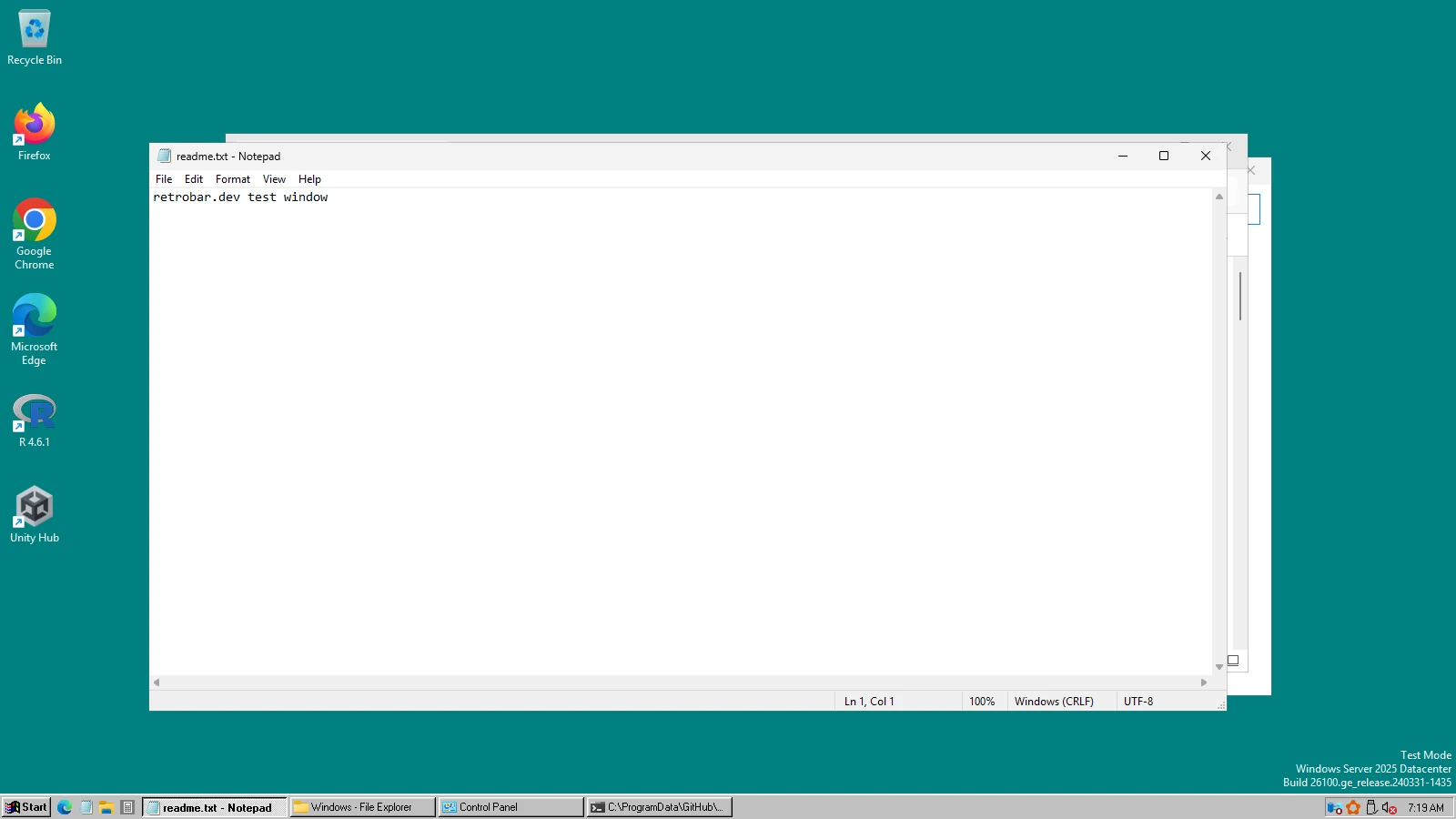
RetroBar replaces Windows 11's taskbar with a separate one in the style of Windows 95 to Vista. It needs no administrator rights, changes no system files, and Exit brings Windows' taskbar straight back. What it covers and how it behaves is on how to use RetroBar; what it does not cover is on alternatives.
All taskbar how-tos
Keep going
Found something out of date or wrong? Tell us at hello@retrobar.dev and we will fix it.